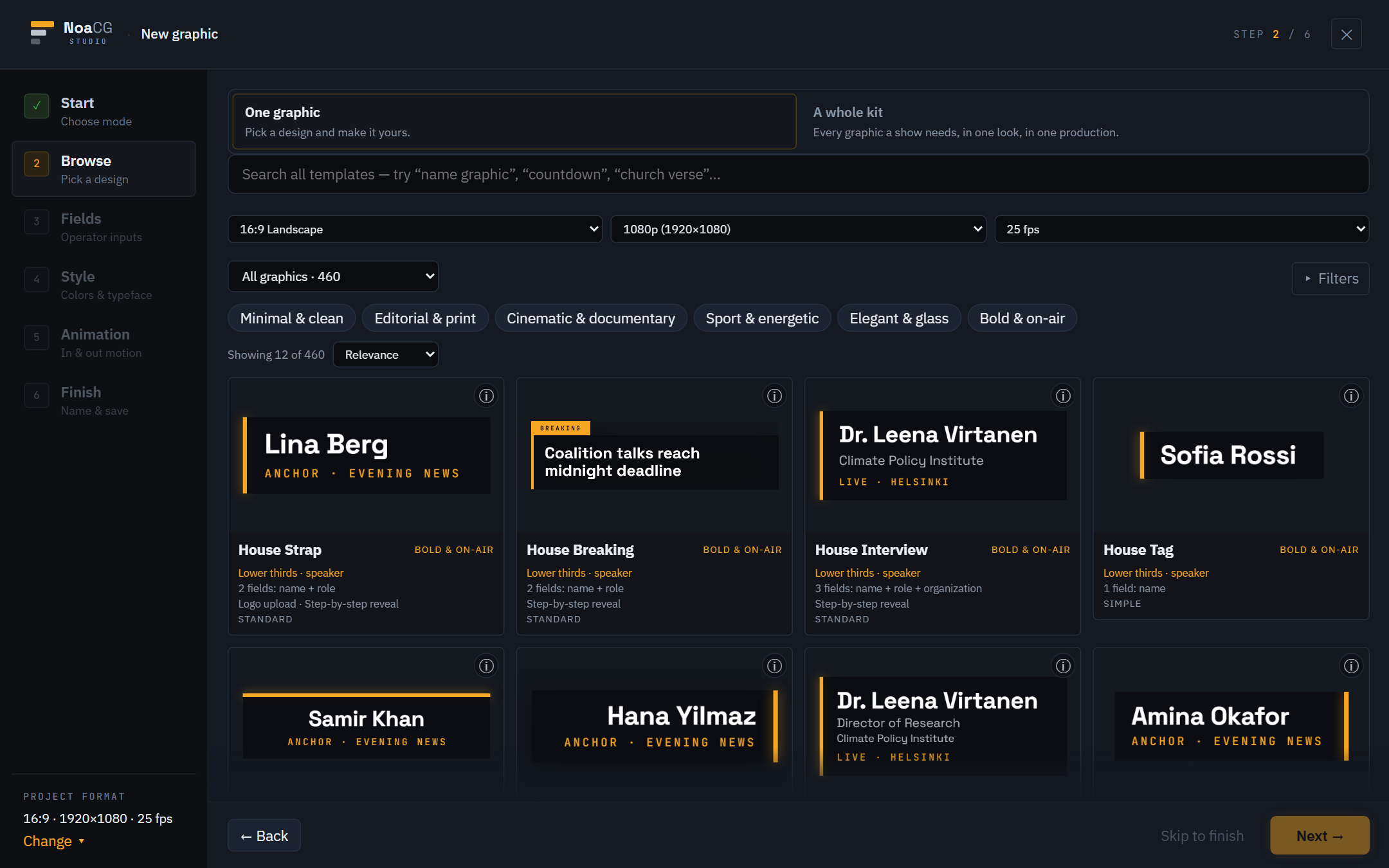
Start from a template
Designs for every part of a show, searchable and filterable, each previewing live on its card. Take one graphic, or a whole matching kit.
Beta Free & open source · Browser-based · No sign-up
NoaCG Studio makes broadcast graphics in your browser: lower thirds, tickers, scoreboards, timers, title cards. Start from a template, a description, your own artwork or a coding agent. Collect them into a production and run it live, or export a package for the playout system you already use.
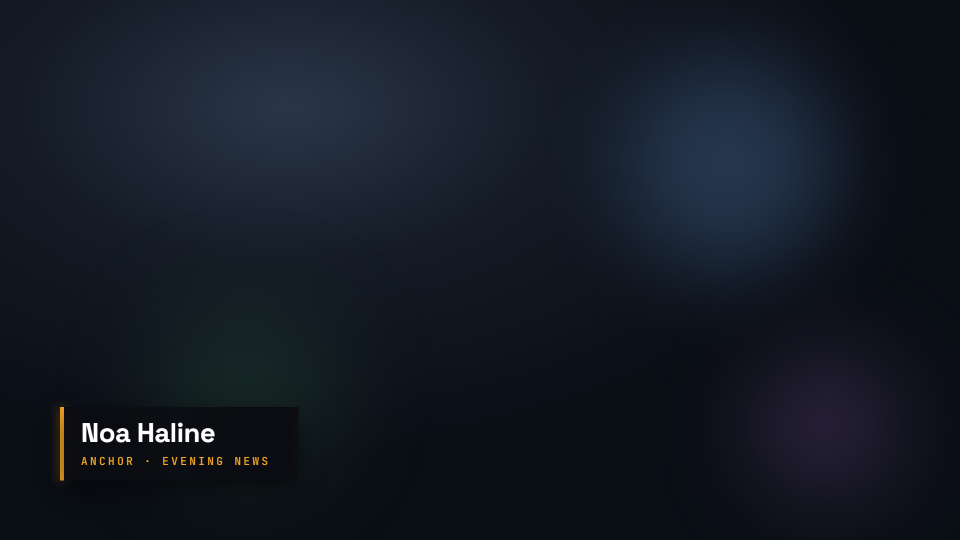
house strap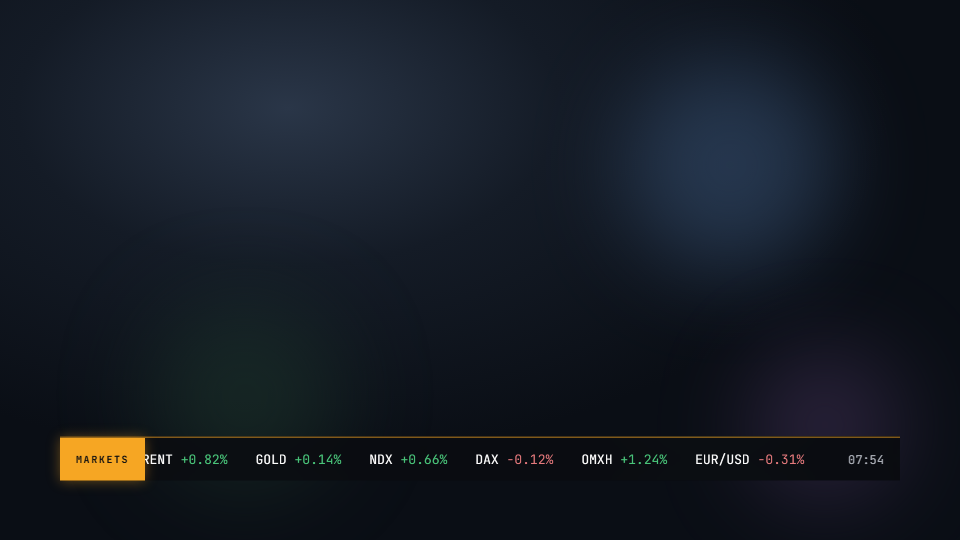
live clock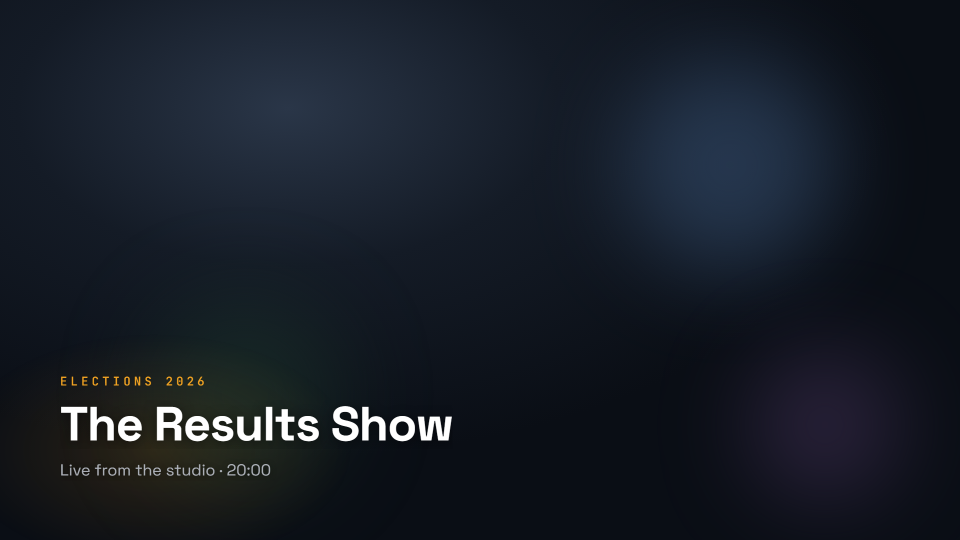
show openFree and open source
Making graphics, editing them, exporting them and running a show cost nothing. The source is open under the AGPL-3.0, so you can read it, change it and run your own copy. You need no account to make a graphic and export it. An account is only for the parts our service runs for you, like publishing a production's output URL or letting AI run here. We are still building this, and we would like to hear what you think.
Ways to start
A real, editable one that validates, exports and can be driven live.
Designs for every part of a show, searchable and filterable, each previewing live on its card. Take one graphic, or a whole matching kit.
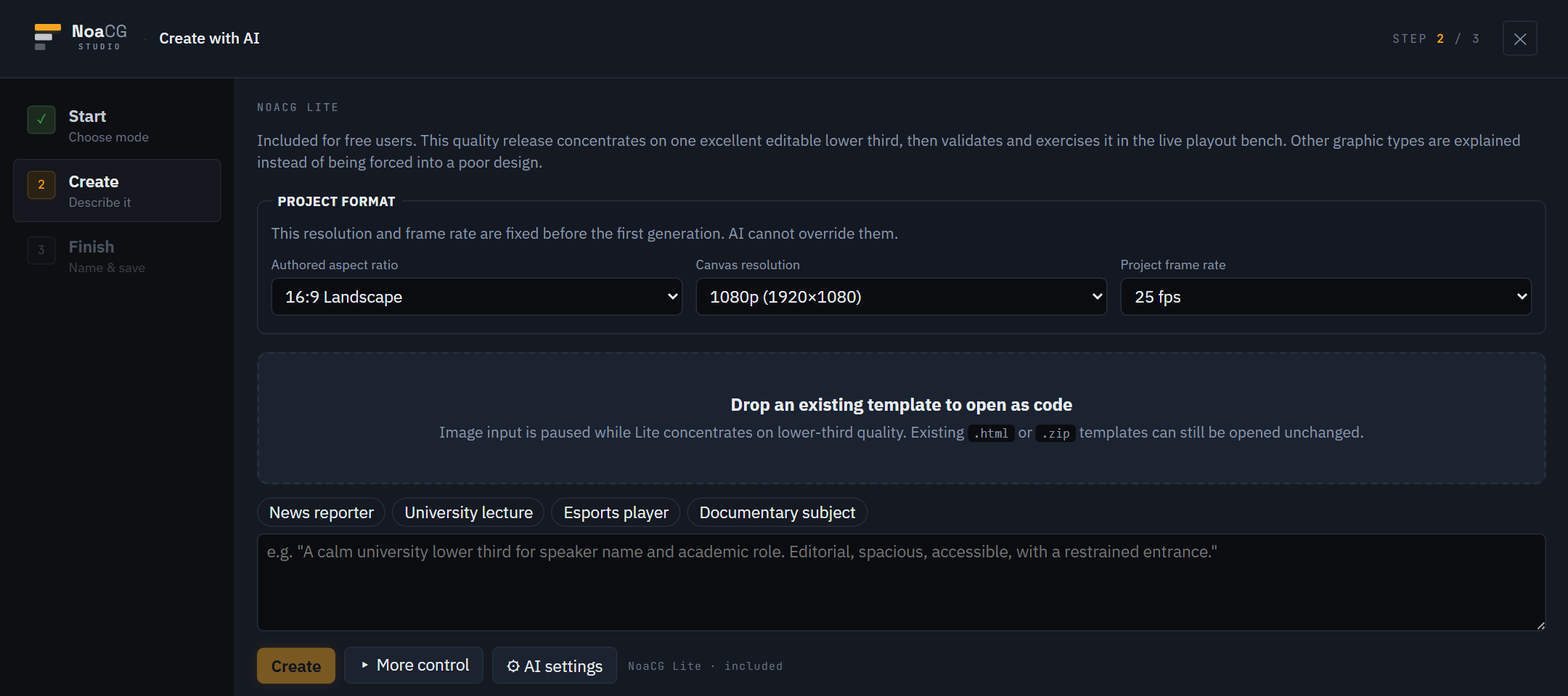
Any AI can write HTML. What you get here is a graphic you can edit and operate, checked in a live playout test before it is made. NoaCG Lite makes one graphic. NoaCG Pro designs a channel its own on-air look and builds the package in it. Both run on our service, free, with a free account. Bring your own key and it runs on your provider's account, at their prices. Or hand the brief to your coding agent.
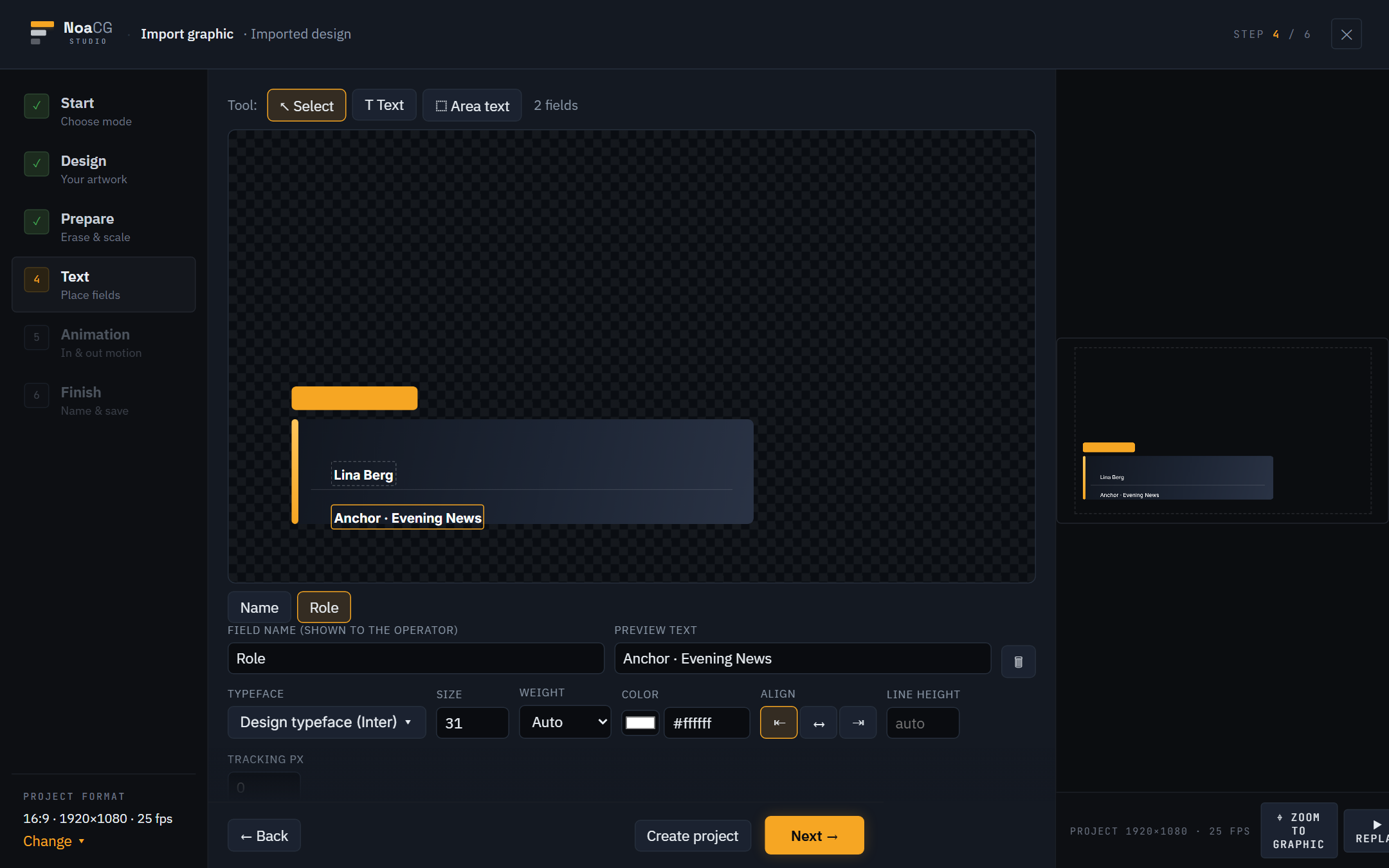
Draw it in Illustrator, Figma or Inkscape and drop the SVG in. A text layer becomes a field the operator types into, a numeric layer a score you can count, a picture layer a slot you can swap. It goes on air as you drew it, in your typography. Give it a behaviour, a quiz that locks and reveals or a board that keeps score, without writing code. One rule decides whether a file imports well: keep text as text. Photos and flattened images work too, with editable fields on top. How to prepare your file →
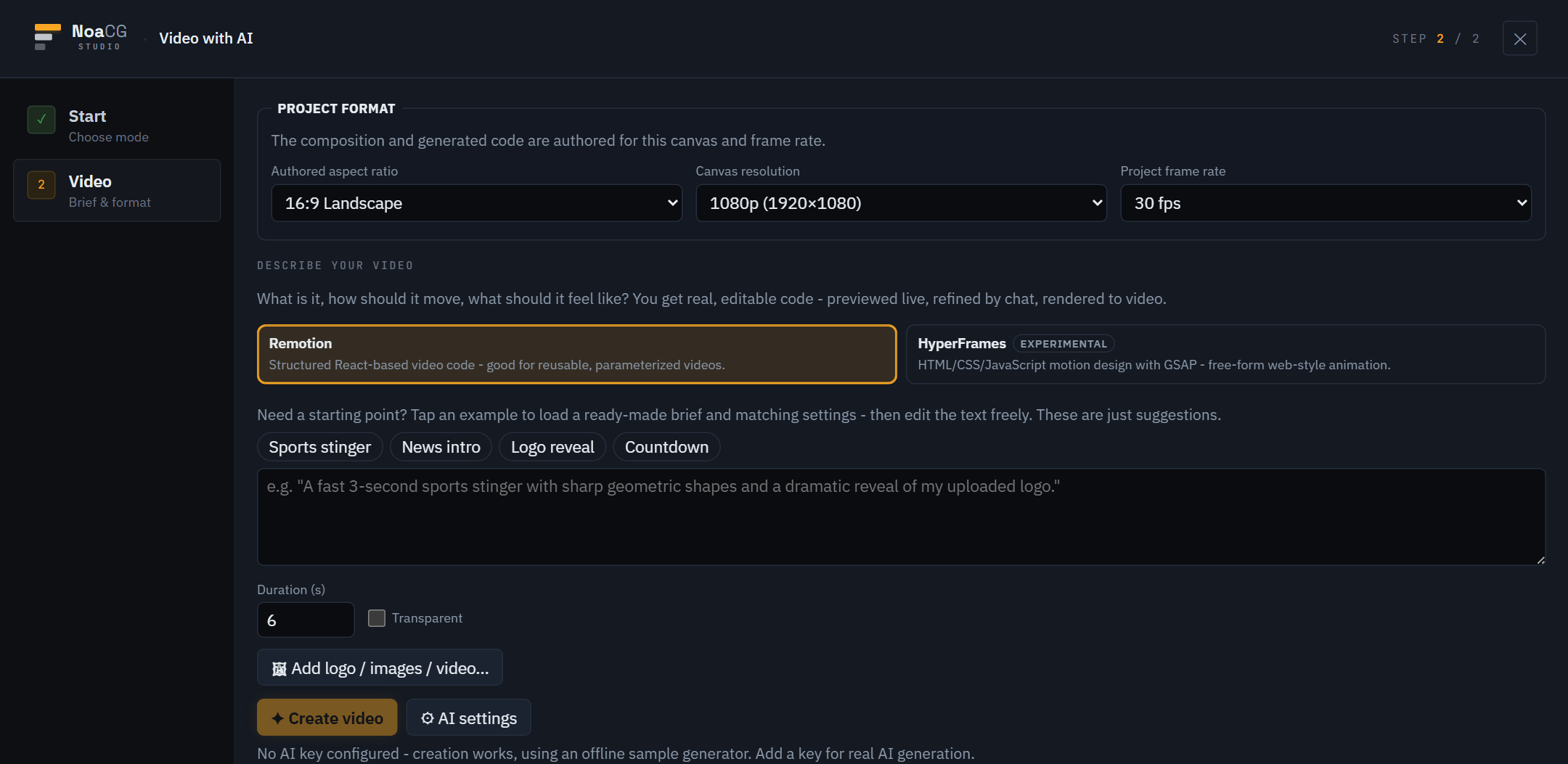
Stingers, opening titles, logo reveals. Built with Remotion or HyperFrames as a real composition you can edit, then rendered to a file. Its own workspace, separate from the live side.
How it works
Every picture below is the real app. Nothing is mocked up.
01 CHOOSE
One screen: a template, a description for AI, your own artwork, or a video. No project setup, no login.
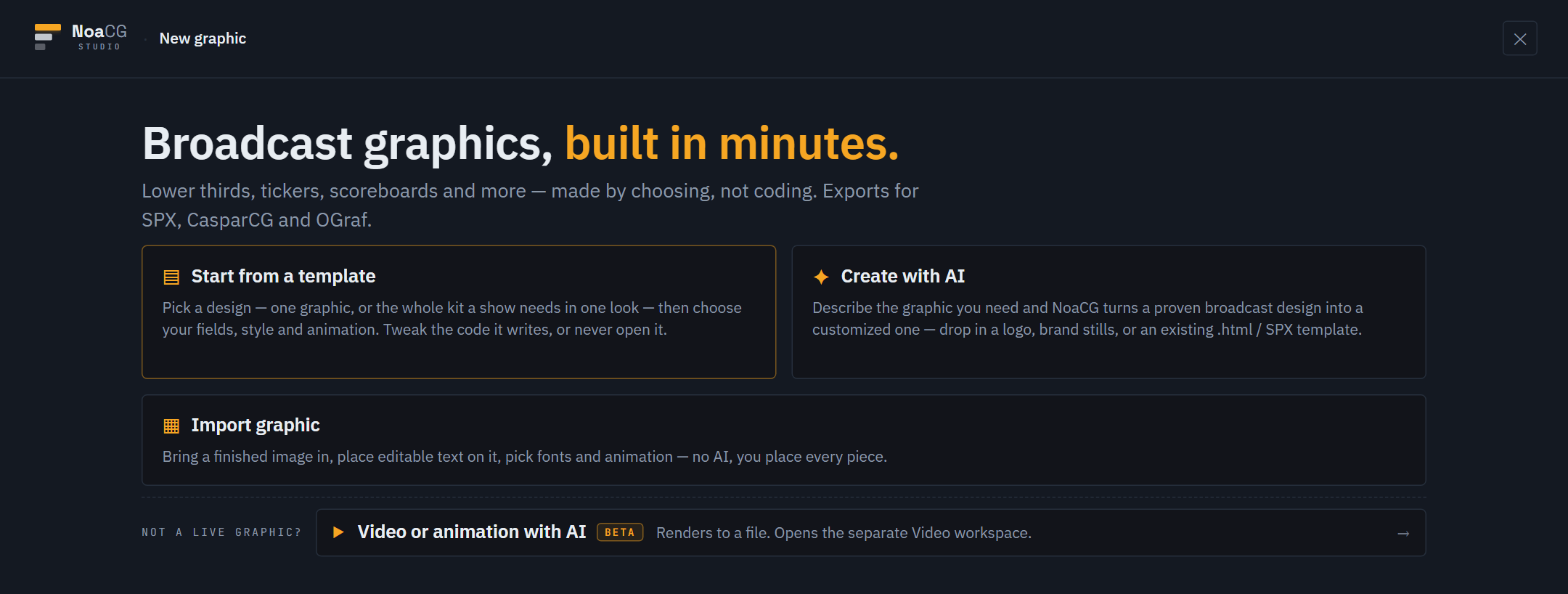
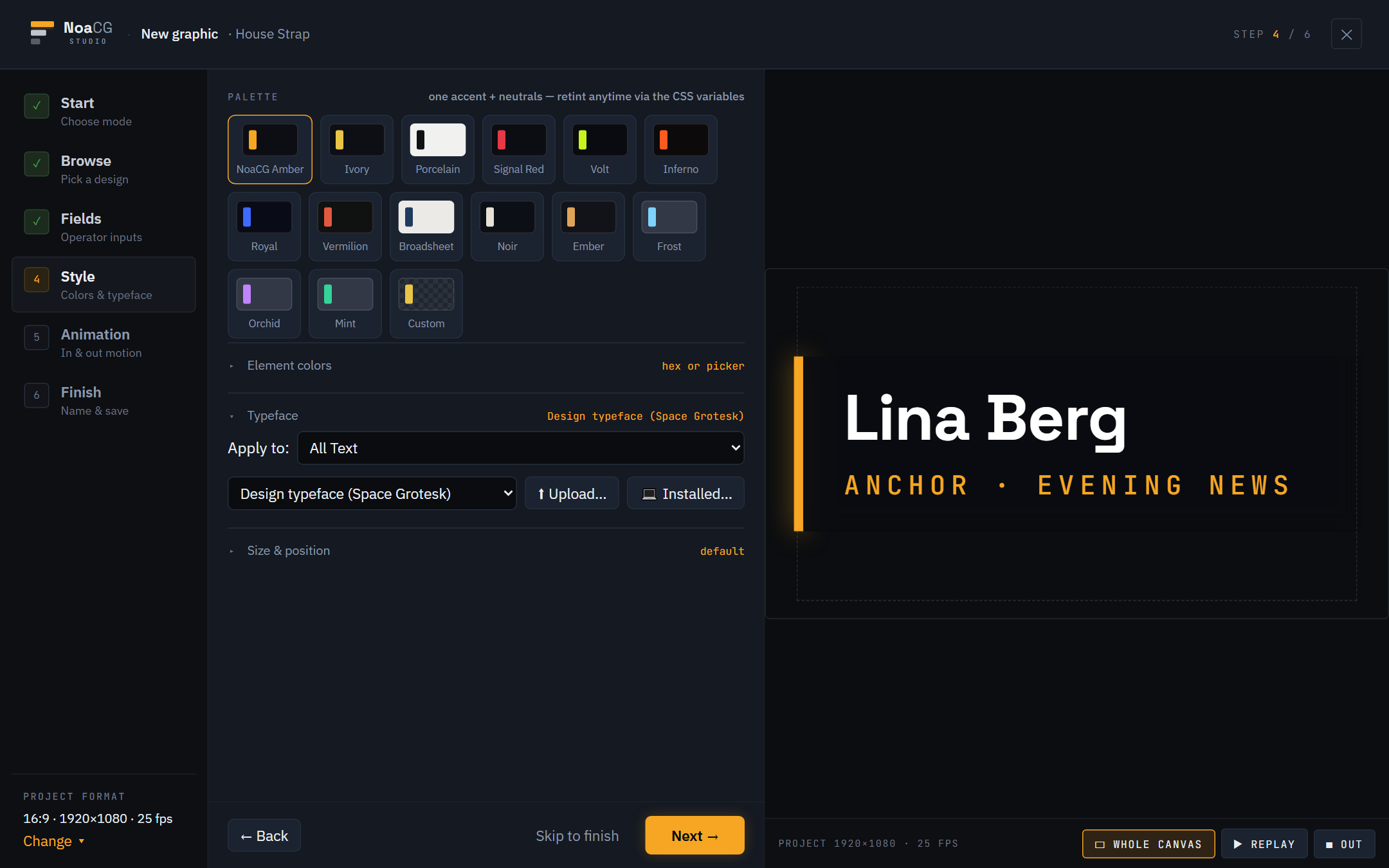
02 CUSTOMISE
Colours, your own fonts, your logo, size, position and animation, from live panels beside the real graphic. Every change writes readable code you can open or ignore.
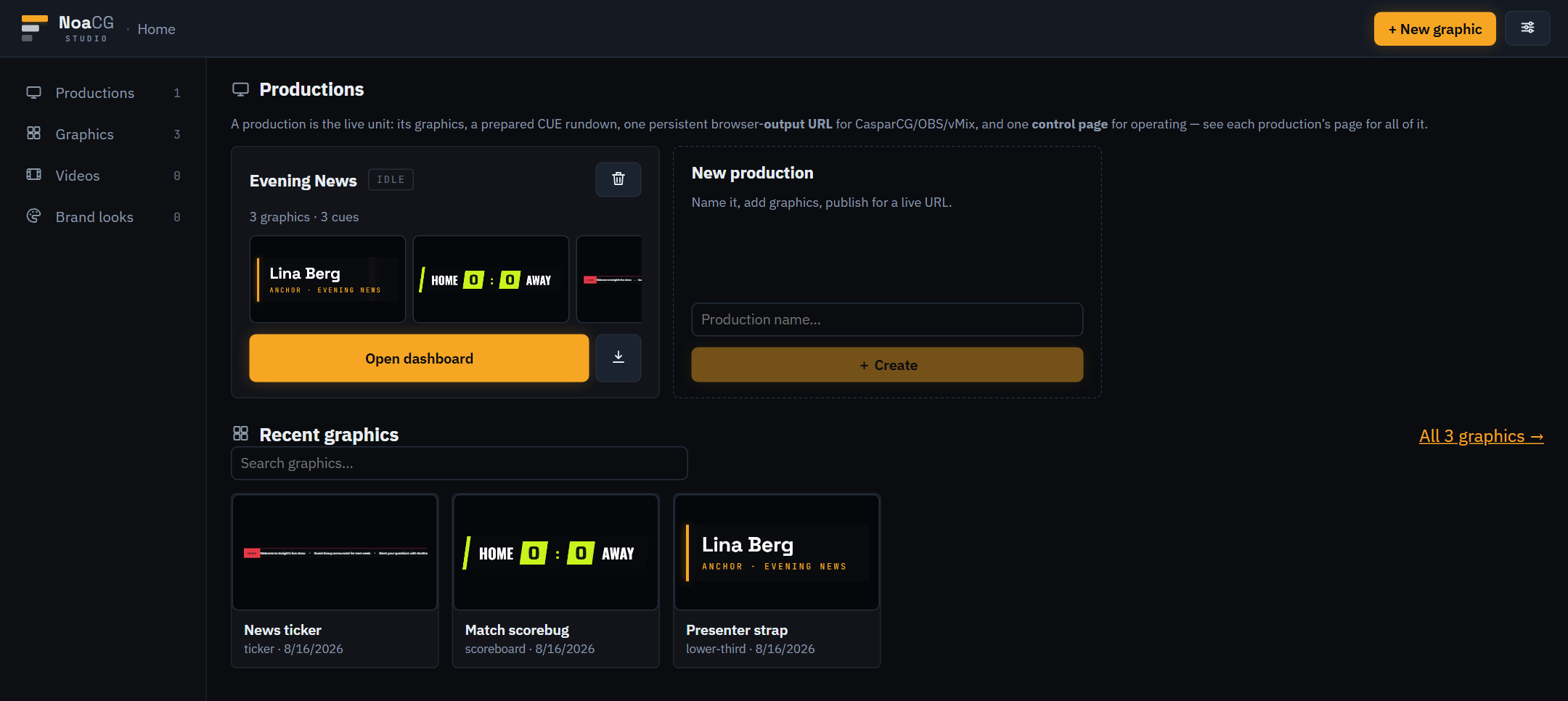
03 COLLECT
A production holds the graphics that run together, the cue rundown prepared in advance, and one persistent output URL. Everything in it is ready to cue, export or re-brand together.
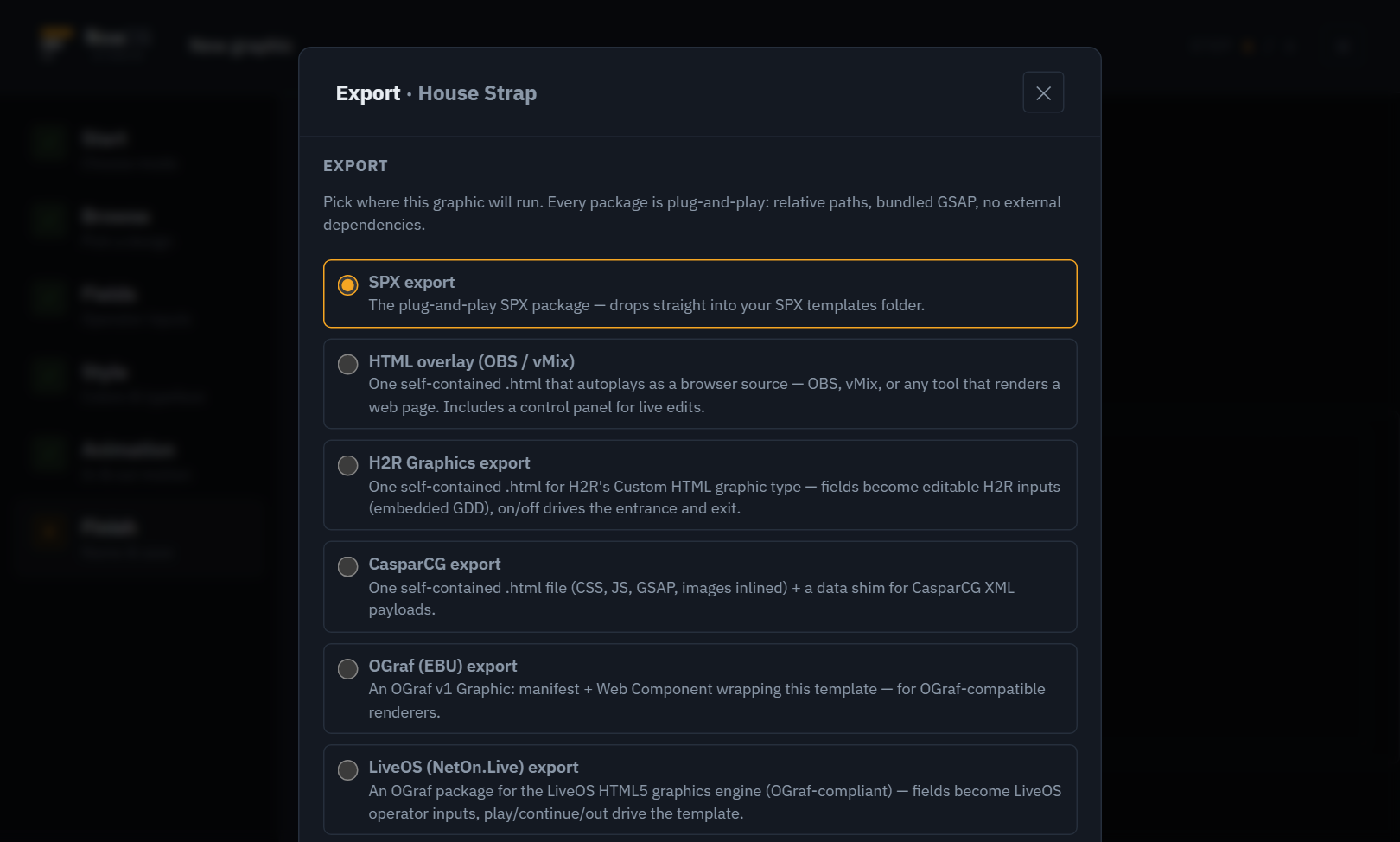
04 EXPORT
One click builds a validated package for the system you use, with fonts and images bundled, relative paths, fully offline. Export a single graphic or the whole production.
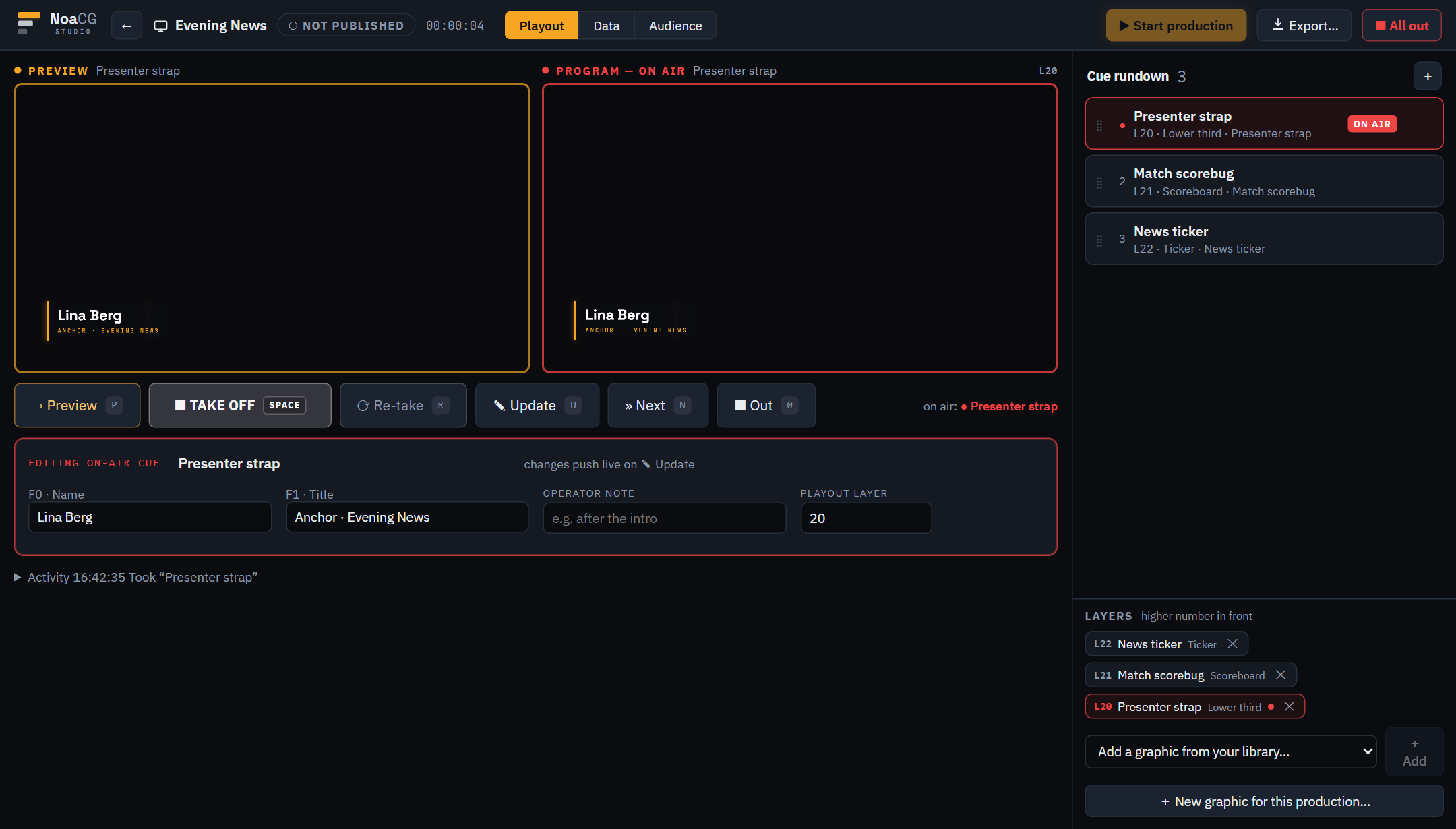
05 GO LIVE
Preview and program monitors, a cue rundown. Select a cue, check it on preview, TAKE. Load the production's output URL as a browser source in OBS or vMix. A small connector on the playout machine puts it on a CasparCG channel from the same page.
Operating
A graphic has to be driven: cued, updated, fed live data. The same dashboard runs it whether it lives in the app, on a shared link, or inside an exported package.
Auto-generated for every graphic. Cue it, update it, step it.
Change names, scores and text on air, staged first, aired on an explicit take.
A production publishes one transparent browser source. Load it once, leave it up.
Another tab, an OBS dock, a phone at the desk, or a second operator's laptop.
Point a graphic at a sheet and update its content from anywhere, live.
Collect moderated viewer messages and votes straight into an on-air graphic.
Graphics that advance stage by stage, one Continue press at a time.
Push scores, clocks and results from your own systems over plain HTTPS.
Publishing a production to its online output URL takes a free account; operating it takes none.
Running CasparCG? NoaCG Bridge, a small Windows program, lets the production page put your graphics on a CasparCG channel for you.
Beyond play and stop
A lower third plays and stops. A quiz board has to know which question is up, which answer the contestant locked in, and whether it has been revealed. Traditional playout gives you one Continue button and an operator remembering what comes next. These graphics carry the logic themselves, as named states and real operator events. The control panel is generated from them, so a wrong move is greyed out.
Select answer · Lock it in · Reveal choice · Reveal correct · Show audience result.
Start and stop the clock · Interval · Back to live · Full time · cards held on air.
Go live · Map final · Next map · Technical pause · Resume.
Hold for suspense, reveal the winner, rule on it, clear the ruling.
Focus one row of the standings, then show them all again.
Close the vote, show the result, call the winner when you are ready.
Timers, notices and alerts ship with their own buttons too, and a graphic you drew yourself gets them when you give it a behaviour. Hand any of these to another playout system and they step through in order like an ordinary template. The extra states are what you get driving them from NoaCG, never a reason they will not play elsewhere.
Export a graphic and its buttons come with it.
The open standard
Any renderer that speaks the standard can load an OGraf package. Every graphic made here exports as one, and the NoaCG CLI reads anyone else's.
Manifest, web component, fonts bundled, nothing fetched from the network. Validated on the way out.
Ready-made OGraf graphics to start from, each with a guide to changing it. Take one →
noacg inspect prints the inputs and buttons a stranger's manifest describes; noacg validate mounts it and drives it. A graphic NoaCG has never seen gets a control panel from the standard alone.
Into your library and production, operated from the same dashboard as everything else.
An OGraf graphic from anywhere, on a NoaCG production's output URL.
Any OGraf controller can drive a NoaCG production, and NoaCG can drive an OGraf renderer.
Solid cards are built and measured. Dashed cards are the direction, not a feature yet.
No lock-in
Every graphic is real HTML, CSS and JavaScript: clean, commented, yours to edit. The packages for CasparCG, OBS, vMix and SPX run on your own machine with no account and no internet, and the overlay and CasparCG packages carry their own control panel. The OGraf package wants an ordinary web server, because the standard is a web component. The studio itself is open source, so a copy of it keeps running too.
For developers
Claude Code, Codex, or any MCP-capable agent can build NoaCG graphics directly.
noacg, the CLI on npm, validates the result in a live playout bench, the
same gate the studio uses, and saves it into your library. Saving needs a free account
and one consent click; without one, zip the folder and drop it on the Import door.
Downloads
Making graphics and running a show need nothing installed. These two are optional.
Beta Also in the studio
AI writes the composition from your description, and you render it to a file. Nobody cues a video live, so it has its own workspace, away from the on-air side.
Describing one with AI takes a free account, like Create with AI does. Without an account, renders are held to short clips and a few an hour.
Currently in beta
The template library and importing your own artwork are the steadiest ways to make a graphic right now. AI generation and the video workspace are newer and still moving.
Questions, feedback, or business inquiries: contact.noacg@gmail.com